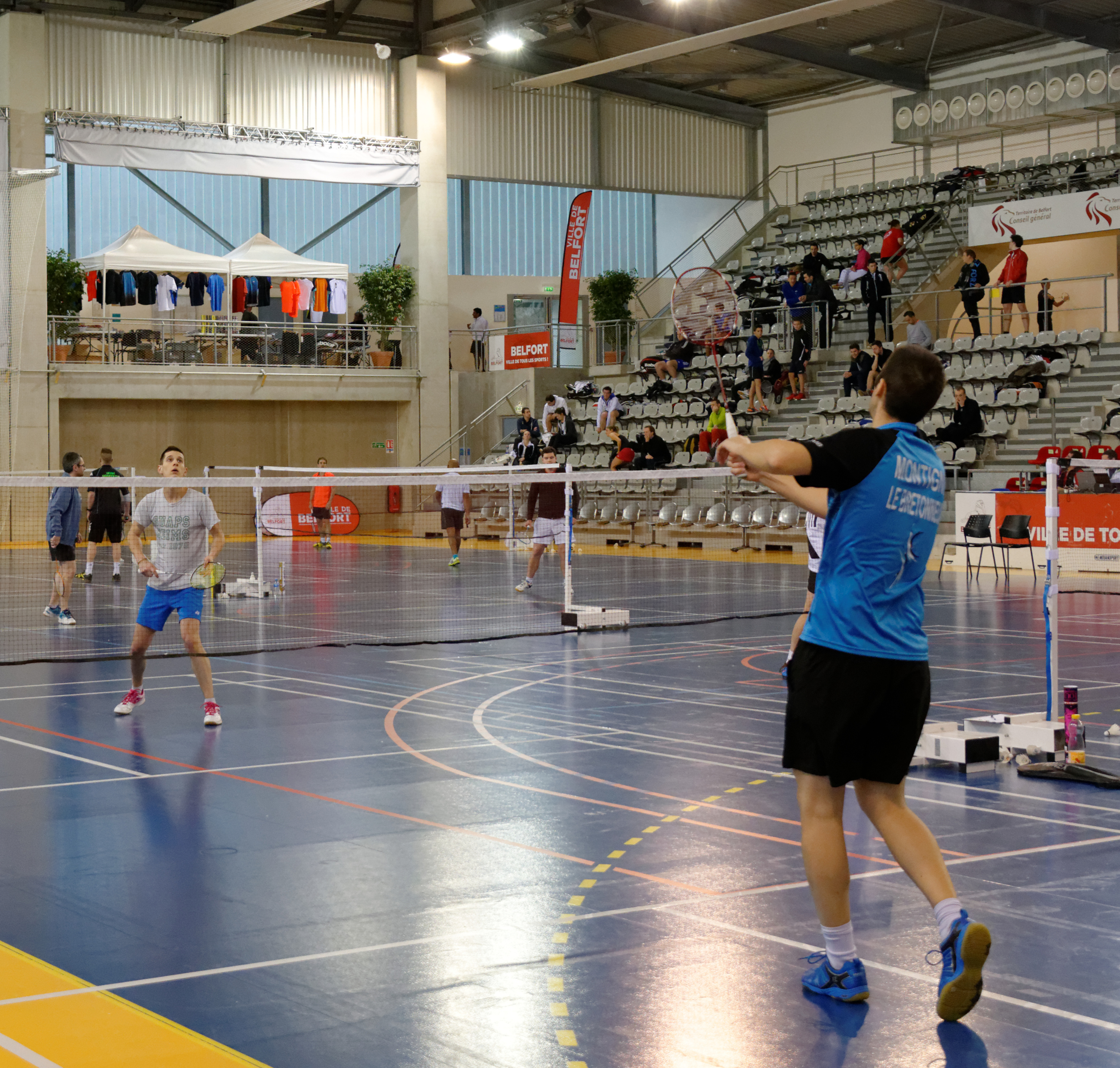
From activity plan to court play—kept in one loop.
01Schedule
02Book
03Check in
04Assign courts
05Settle
One club system · Two clear experiences
Community-facing when it should be. Operational when it needs to be.
01 / MEMBER
Members stay close to play in WeChat.
The CourtBuddy WeChat Mini Program helps members move between clubs, activities and their own participation without learning an organizer console.
Join multiple clubs with one member experience
Book activities, add Guests and follow waitlists
See club-local rankings, points and rewards
02 / ORGANIZER
Organizers keep the whole session in view.
The organizer portal brings scheduling, member access, attendance, Live Courts and offline payment records into one practical club workflow.
Create recurring activities and booking rules
Run attendance and court assignments live
Track membership and member payments
CourtBuddy · WeChat Mini Program
The member side stays close to the next game.
Members sign in with WeChat, move between their club memberships and follow each activity from discovery to their current court—without crossing into the organizer workspace.
01Choose a club membership, then find an activity.
02Manage booking status, Guests and waitlists in one flow.
03Follow Live Courts, see club-local points, rankings and rewards, then join organizer-created club events and tournament modes.
CourtBuddyWeChat Mini Program
Member home
Current club membershipSigned in with WeChat · Membership 1 of 2
Club activityBooking open
Your statusManage booking
Guests & waitlistStatus visible
LIVE COURTS · CURRENTCourt assignment shown here
REPRESENTATIVE MEMBER VIEW · NOT LIVE CLUB DATA
Operational product view
The night runs as one connected sequence.
Explore representative CourtBuddy workflow fragments. These are interface concepts for design review, not live club data.
CourtBuddy OrganizerREPRESENTATIVE VIEW · NOT LIVE DATA
Activity schedule
Recurring sessions · September view
Published
MON
Open play 6 courts
TUE
Club night 8 courts
WED
Training 4 courts
THU
Club night 8 courts
FRI
Social doubles 6 courts
Bookings & waitlist
Club night · Tuesday 19:00
Booking open
Member bookingConfirmed19:00
Guest bookingLinked to host19:00
Waitlist positionWaiting#3
Released placeOffered to next member18:42
Live Courts
Attendance checked in · assignments in progress
Live
Court 14 players · in play
Court 24 players · in play
Court 3Next rotation ready
Court 4Available
Offline payment records
Member account records · representative view
Current
Annual membershipRecorded paidReference
Session feeRecordedDetails
Guest feePendingReview
Member balanceUp to dateHistory
Clubs record bank transfer or cash payment status and references; CourtBuddy never holds the funds.
Organizer onboarding
From club request to your first session.
Start your club registration in the CourtBuddy organizer portal.
01
Get started
Open the organizer portal to begin your club registration.
02
Submit club details
Provide the information Platform Admin needs to review the club request.
03
Platform Admin review
The request is checked before a CourtBuddy club account is created.
04
Set up your club
After approval, complete your club setup and plan your first activity.
FAQ
Before you begin.
Who can register a club?
A prospective organizer who is authorized to provide the club details and take responsibility for the initial Owner account.
How long does approval take?
Timing depends on the information supplied and the review required. The organizer portal will guide you through the current status without promising a fixed approval window.
I already organize a club. Where do I sign in?
Use the Organizer sign in command to open the secure operations portal at organizer.courtbuddy.openrova.com.
Where do members use CourtBuddy?
Members use the CourtBuddy WeChat Mini Program for club participation, activities, bookings, attendance and member-facing records.
Ready for review
Bring your club operations closer to the way your community plays.
Start your club registration in the CourtBuddy organizer portal.